



Spinstein Mobile Platform
The Spinstein app makes your gaming experience much easier. It works with all modern devices and lets you play wherever you are. It doesn’t matter if you have an Android or iOS phone; the game will load quickly and run well. All functions, design, and navigation will be recognizable because they are similar to those on the main PC website. You can install it quickly and easily from the Spinstein website.


Spinstein App – Main Features
More than half of the Spinstein Casino customers like to play on their phones. It’s hardly unexpected that people want to stay flexible and be online no matter where they are. All customers have two easy choices: the mobile browser version and the Spin Stein app.
| Feature | Technical Reality | What It Means |
| An interface that works well on mobile devices | For thumb navigation, every button, menu, and game element is shrunk and moved around. | No more accidentally touching the wrong buttons because everything is the right size and spaced for fingers. |
| Quick game loading | Smart caching and compressed assets let games load in the background before you click on them. | Less time between rounds keeps the action going. |
| Consistent performance | Background programs are slowed down, and connection drops are handled smoothly. | Spin Stein games run smoothly with no lag or interruptions, even when the WI-FI connection isn’t stable. |
| Controls that respond to touch | Hit detection zones were made bigger than what you can see, so taps register even when your aim is a little off. | Tapping and scrolling work perfectly, with no delays or irritation from missing inputs at important times. |
| Safe mobile sessions | End-to-end encryption protects every bit of data that goes between phones and Spinstein Casino servers. | The login process and your personal information are safe even on public Wi-Fi networks. |
| Updates that happen automatically | When you open a progressive web app, it quietly pulls in the latest features in the background. | Always have access to the latest version without downloading it manually, getting clearance from the app store, or worrying about storage space. |
Safety of Your Data
Your safety is the most important thing when using the mobile version of the Spinstein app. Web application firewalls (WAFs) protect against bots and other suspicious activity on mobile devices. The platform constantly monitors activity to prevent fraud.
Players can contact the support team at any time with questions about safety or anything else. The Spinstein Casino app features a live chat option that provides responses in minutes.
Playing on Android with Smooth Gameplay
When customers play on Android at Spinstein, they get a quick, stable, and completely optimized gaming environment that is made just for mobile devices. The platform works with all new versions of Android. The software was made to minimize loading times and data use.
The Spin Stein mobile casino’s touch controls were made to be accurate. You can put bets, spin the reels, and cash out quickly and easily using them. All background processes have been tuned to make your session stable, even during long gaming periods.
To install the program without any problems, just follow the steps below:
- If you’re using Chrome when you are at the Spinstein Casino website, click the “More” button in the address bar.
- Users need to pick “Add to home screen” from the list.
- You can change the icon’s name and look to make it your own.
- Just press “Add” to submit your actions.
Mobile Application for iOS
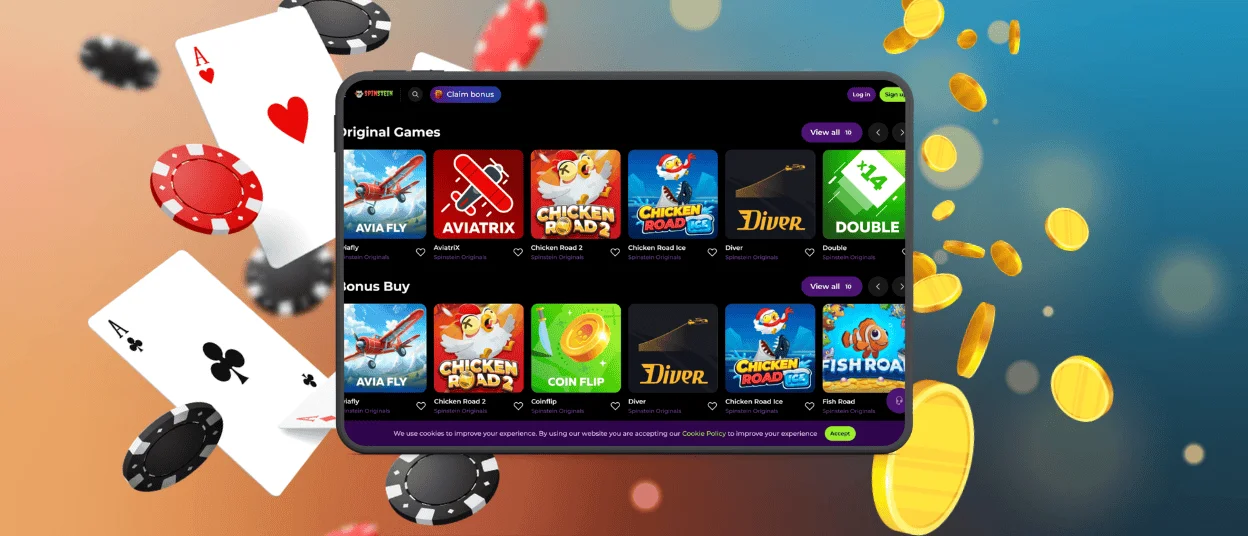
All iOS gamers can quickly get to the mobile casino using any browser on their phones or tablets. All games, such as online slots, table games, and live casino games, automatically adjust to fit your screen size and resolution. There are no limits, and all functionalities will be available on your device.
You can use either the web version or the Spinstein app. Players can even combine them by utilizing the same Spinstein Casino account without any problems.
Installation Instructions
The mobile app only uses cached data, so clients don’t have to worry about their devices running out of space. Follow these steps to install the Spin Stein app:
- The Shortcuts app is already on your iPhone. Firstly, you have to start it up.
- In the top right corner, you should see the plus sign (+) icon. When you tap it, a new shortcut is created. Next, tap the “Add Action” button and type “Spinstein.”
- The search results below should show the app you want. You can choose it from that list.
- Now, click on the small down arrow next to the name of the shortcut. Choose “Add to Home Screen” from the list of options that appear.
- If you want to be creative, you can choose a custom photo for your icon if the default one appears boring. Give it a name, then hit the “Add” button.
- The Spinstein icon appears on your home screen right next to all your other apps.
Spinstein Options for Windows and macOS
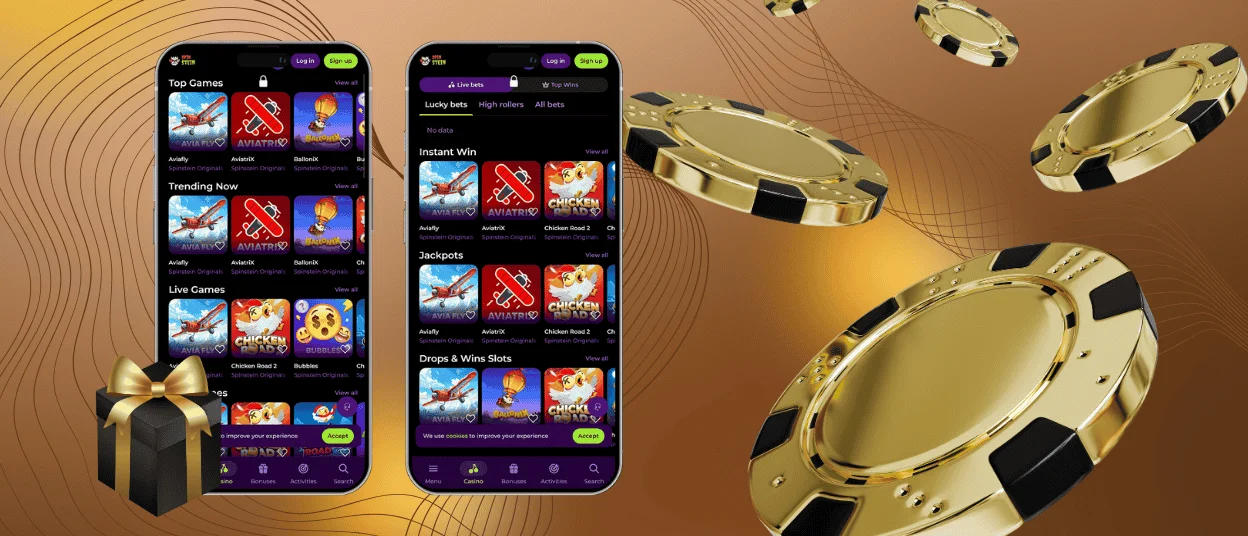
If you play at Spin Stein Casino on your PC or laptop, you won’t have any problems. People don’t have to install any extra software. You can still get to the website in any browser.
You can install a shortcut icon on your desktop home screen if you want to be able to get to the website with just one click. You need to go to your browser’s page settings to do that. If you have trouble installing the Spinstein app icon, you can get help right away via live chat or email.
FAQ
Can I complete the registration process in the Spin Stein app?
If you’re new to the Spinstein online casino and want to start with the app, it’s easy to sign up there. The process is the same and simply needs your email address and password. As a safety measure, you must finish the verification process before you can make your first withdrawal.
Would it be possible to play Spinstein live casino games on a smartphone?
You can still play all of the games in the collection, which has more than 6,000 titles, on your smartphone or tablet. It also has games for the live casino. Spinstein uses specific touch-control features to make sure that your gaming experience is always easy and enjoyable, no matter what device you use.
How will I know that the mobile software needs an update?
You don’t have to do anything for the Spinstein Casino PWA to update itself. Push alerts and email always let users know about changes to the platform, so nothing surprises you.


